
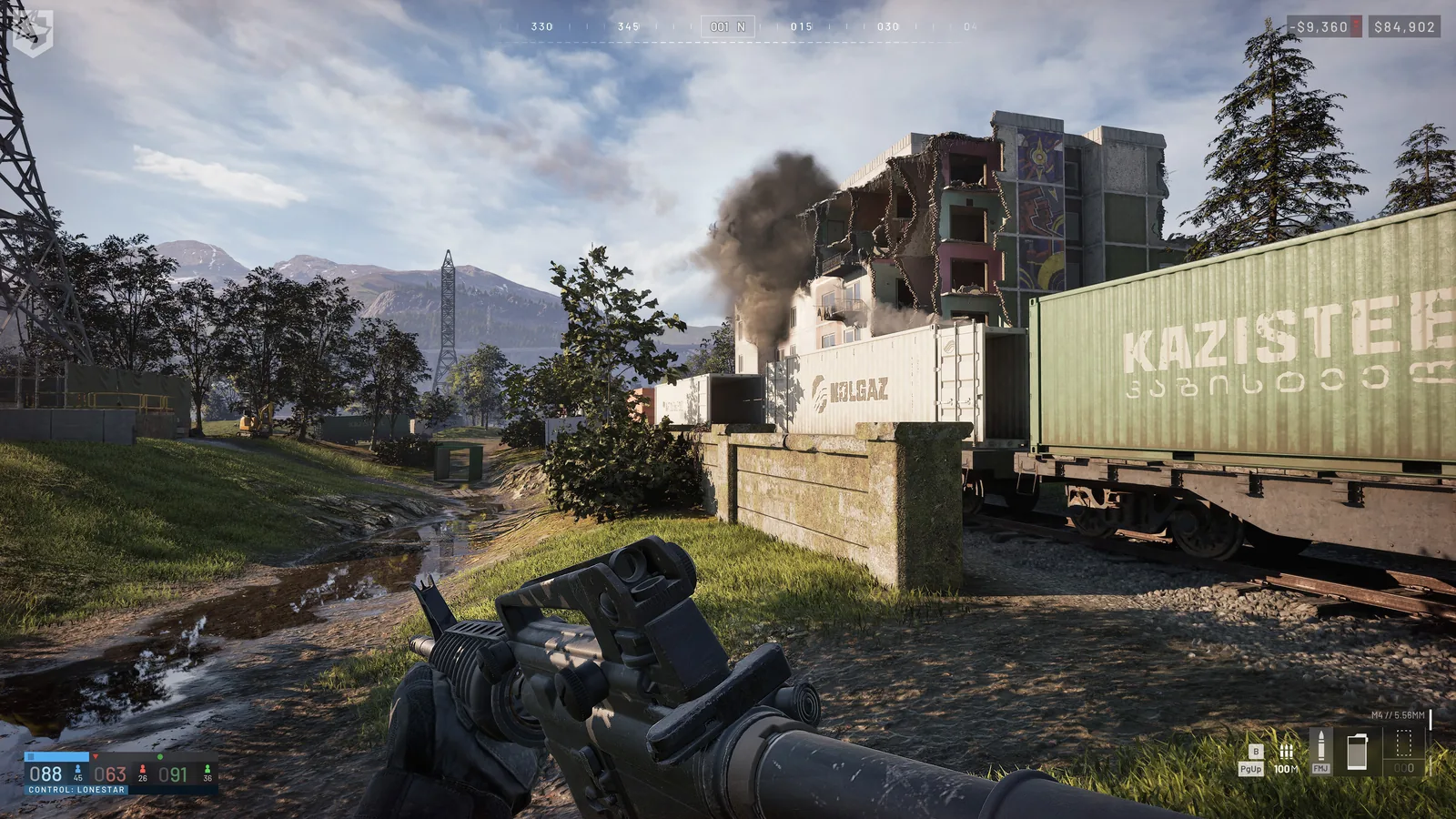
Wallet and three separate costs
The persistent wallet funds repeated deployments. A level gate, a one-time unlock fee and a deployment purchase are separate decisions. Default unlock access does not mean a free item. Read the weapon and vehicle field labels before planning a kit.
Published Season 02 rewards
| Rewarded event | Cash | XP | Conditions |
|---|---|---|---|
| Assault-archetype kill | $2,000 | Not stated | Assault kill bonus |
| FOB hacking: hacker | $2,500 | 250 | Successful hack |
| FOB hacking: nearby teammate | $1,000 | 250 | Inside FOB radius |
| Door breached with Halligan Bar | $100 | Not stated | Once per door |
| Friendly FOB door closed | $75 | Not stated | Friendly FOB |
| FOB destroyed: supply bonus | Up to +$7,500 | Up to +250 | Maximum at 25,000 supplies |
| Hostile drill tower captured | $1,500 | 300 | Hostile tower |
| Player delivered | $100 | 25 | Published Control Zone figures |
| Player delivered: ground vehicle | $350 | Not restated | Published Control Zone figures |
| Return trip: ground vehicle | $150 | 50 | Published Control Zone figures |
| Small supply crate deployed | $250 | 200 | Published Control Zone figures |
| Large supply crate deployed | $500 | 400 | Published Control Zone figures |
| Small crate deployed: air vehicle | Not restated | 150 | Published Control Zone figures |
| Large crate deployed: air vehicle | Not restated | 300 | Published Control Zone figures |
| Supply pallet deployed | $1,250 | 400 / 500 ground | Published Control Zone figures |
The logistics rows use the developer's corrected Control Zone figures, not the earlier base-design values. A number absent from the notes is marked as not stated or not restated; cash and XP are distinct units. The FOB supply bonus is additional and conditional, not a guaranteed flat payout.
Delivery streaks and team conditions
| Rewarded event | Cash | XP | Streak cap |
|---|---|---|---|
| Consecutive crate | +$100 | +50 | 10 |
| Consecutive pallet | +$250 | +100 | 10 |
| Consecutive passenger | +$25 | +5 | 25 |
| Consecutive return trip | +$50 | +25 | 10 |
These are consecutive-delivery bonuses with caps, not guaranteed cash per hour. Lower base rewards and streak bonuses must be read together. Lonestar has Season 02 win and teamplay bonuses, but these notes do not publish a universal multiplier.
| Vendor discount | Minimum points behind second place | Scope |
|---|---|---|
| 20% | 40 | All teams |
The losing-team discount applies when its stated score condition is met, across all teams. The vendor list below is not a permanently discounted price list.
Published vendor prices
| Item | Scope | Before | Season 02 deployment price |
|---|---|---|---|
| PP-19 Bizon | New Weapons | New | $1,000 |
| TCX-SPR | New Weapons | New | $3,200 |
| Evo-3 Ultra | New Weapons | New | $7,250 |
| M14 | New Weapons | New | $7,400 |
| Compact P-1 Red Dot | New Attachments | New | $480 |
| PU 91/30 Scope for the Mosin | New Attachments | New | $780 |
| Leatherwood ART II for the M14 | New Attachments | New | $950 |
| Evolys Bipod for the Evo-3 Ultra | New Attachments | New | $1,450 |
| M14 Bipod | New Attachments | New | $1,480 |
| Cross Rifle Muzzle Brake for the TCX-SPR | New Attachments | New | $780 |
| Clutch Lok Muzzle Brake for the TCX-SPR | New Attachments | New | $1,100 |
| SRD762TI-QD Suppressor for the TCX-SPR | New Attachments | New | $1,350 |
| SL7i-BL Suppressor for the Evo-3 Ultra | New Attachments | New | $1,400 |
| .30 Cal SS Phosphate Muzzle Brake for the M14 | New Attachments | New | $950 |
| .30 Cal Steel Black Flash Hider for the M14 | New Attachments | New | $730 |
| PP-19 Bizon 53 RND Magazine | New Magazines | New | $200 |
| TCX-SPR 28 RND Magazine | New Magazines | New | $50 |
| Evolys 50 RND Box | New Magazines | New | $110 |
| M14 10 RND Magazine | New Magazines | New | $60 |
| M14 20 RND Magazine | New Magazines | New | $110 |
| M14 30 RND Magazine | New Magazines | New | $180 |
| Molotov Cocktail | New Gear | New | $340 |
| New Music Tape "Dyshat' - Baryber" | New Gear | New | $100 |
| New Music Tape "Blue (Da Ba Dee) - Eiffel 65", Lonestar only | New Gear | New | $100 |
| Wolf-110 | New Vehicles | New | $2,200 |
| Wolf-110 [M2 Browning] | New Vehicles | New | $7,800 |
| Flakpanzer Gepard | New Vehicles | New | $14,000 |
| T-72B3 | New Vehicles | New | $16,000 |
| T-21 | Price Increases | $600 | $1,200 |
| AMP-9 | Price Increases | $900 | $1,375 |
| MP5 | Price Increases | $1,500 | $1,800 |
| Super-45 | Price Increases | $2,600 | $5,600 |
| Scout Rifle TD | Price Increases | $1,100 | $1,200 |
| Compound Bow | Price Increases | $800 | $1,350 |
| GGX 18 | Price Increases | $800 | $1,000 |
| BMR-308 | Price Increases | $6,000 | $6,250 |
| MGL-40 | Price Increases | $6,000 | $7,500 |
| AMR 50 | Price Increases | $8,800 | $14,800 |
| Level 3 Armor | Price Increases | $2,000 | $2,500 |
| Level 3 Helmet | Price Increases | $1,500 | $2,000 |
| Level 4 Armor | Price Increases | $4,000 | $5,000 |
| Level 4 Helmet | Price Increases | $3,000 | $4,500 |
| Binoculars | Price Increases | $75 | $180 |
| Monocular | Price Increases | $150 | $350 |
| Range Finder | Price Increases | $400 | $1,450 |
| Infrared Range Finder | Price Increases | $1,200 | $3,200 |
| Basic Parachute | Price Increases | $100 | $500 |
| Remote Detonator | Price Increases | $550 | $650 |
| Wrench | Price Increases | $150 | $180 |
| SKS Bipod | Price Increases | $800 | $810 |
| Kodiak [M249] | Price Increases | $3,750 | $6,750 |
| Humvee [M249] | Price Increases | $3,750 | $8,500 |
| Humvee [Minigun] | Price Increases | $4,500 | $10,000 |
| Ural Defender | Price Increases | $6,000 | $7,200 |
| Ural Defender [M249] | Price Increases | $6,750 | $9,500 |
| L2A6 | Price Increases | $14,000 | $22,000 |
| Little Bird AH-6M [Miniguns] | Price Increases | $7,000 | $12,000 |
| Little Bird AH-6R [Rockets] | Price Increases | $12,500 | $18,800 |
| Z20 Lakota [Miniguns] | Price Increases | $8,000 | $15,000 |
| Havoc | Price Increases | $18,000 | $28,000 |
| AK74 | Price Decreases | $1,600 | $800 |
| Deagle | Price Decreases | $900 | $750 |
| Galil | Price Decreases | $2,200 | $2,000 |
| RPG-7 | Price Decreases | $2,000 | $1,800 |
| MAAWS | Price Decreases | $2,600 | $2,400 |
| PKM | Price Decreases | $4,500 | $4,100 |
| FAL | Price Decreases | $6,500 | $6,000 |
| Ruck Backpack | Price Decreases | $2,400 | $1,600 |
| Gunner Backpack + Sling | Price Decreases | $3,500 | $2,400 |
| Arsenal Backpack + 2 Slings | Price Decreases | $5,000 | $4,000 |
| Halligan Bar | Price Decreases | $1,100 | $885 |
| Medical Bag | Price Decreases | $2,000 | $1,800 |
| Field Resuscitator | Price Decreases | $500 | $425 |
| Sport Parachute | Price Decreases | $1,000 | $700 |
| Birdcage Flash Hider | Attachment Price Decreases | $900 | $600 |
| BMR-308 Flash Hider | Attachment Price Decreases | $1,280 | $930 |
| Shift Foregrip | Attachment Price Decreases | $1,150 | $840 |
| GOL Multi-Caliber Suppressor | Attachment Price Decreases | $1,800 | $1,450 |
| Full Choke | Attachment Price Decreases | $1,400 | $1,150 |
| RC-556 Suppressor | Attachment Price Decreases | $1,550 | $1,310 |
| AMR 50 Cal Muzzle Brake | Attachment Price Decreases | $1,600 | $1,380 |
| 12 Gauge Suppressor | Attachment Price Decreases | $1,225 | $1,170 |
These are deployment prices, including the newly listed weapons, vehicles, attachments and gear. The progression table contains permanent access payments. Do not substitute one for the other.
Vehicle destruction and other reward limits
| Vehicle | Cash reward · not a purchase price |
|---|---|
| Kodiak | $500 |
| Kodiak Pickup | $600 |
| Kodiak [M249] | $3,400 |
| Wolf-110 | $450 |
| Wolf-110 [M2 Browning] | $3,900 |
| Humvee | $600 |
| Humvee [M249] | $4,250 |
| Humvee [Minigun] | $5,000 |
| Ural | $1,000 |
| Ural Defender | $3,600 |
| Ural Defender [M249] | $4,750 |
| Bobcat | $100 |
| Dune Buggy | $300 |
| MH-6 | $1,250 |
| AH-6M [Miniguns] | $6,000 |
| AH-6R [Rockets] | $9,400 |
| Z20 Lakota | $1,500 |
| Z20 Lakota [Miniguns] | $7,500 |
| Havoc | $14,000 |
| L2A6 | $11,000 |
| SPH-2 | $8,000 |
| Flakpanzer Gepard | $7,000 |
| T-72B3 | $8,000 |
Armed variants give more XP than the default variant, and attack-vehicle rewards can increase with their kills. Spotting scales with target value. Buildable progress, crate contents, repeat sales and the number of FOB-assist recipients can reduce or split rewards; selling supplies to an enemy player gives no cash or XP. These conditions prevent a universal farming-income formula.
Keep a deployment reserve
Calculate floor((balance − unlock payments − reserve) / complete kit cost) only when the kit cost is positive and the remaining balance is nonnegative. Count ammunition, magazines and tools, not just the gun. Loadouts provides a purchase checklist.
The Wager Vendor was not available at Season 02 launch and has no precise opening time in these notes. They do not establish a complete wipe or carry-over policy. Use the Season 02 source for the dated scope and Season 1 archive for earlier prices.
Read every value with its version.
Official changes use first-party announcements. Item fields without a current official table remain labeled as dated gameplay records until they can be checked in the public client.