
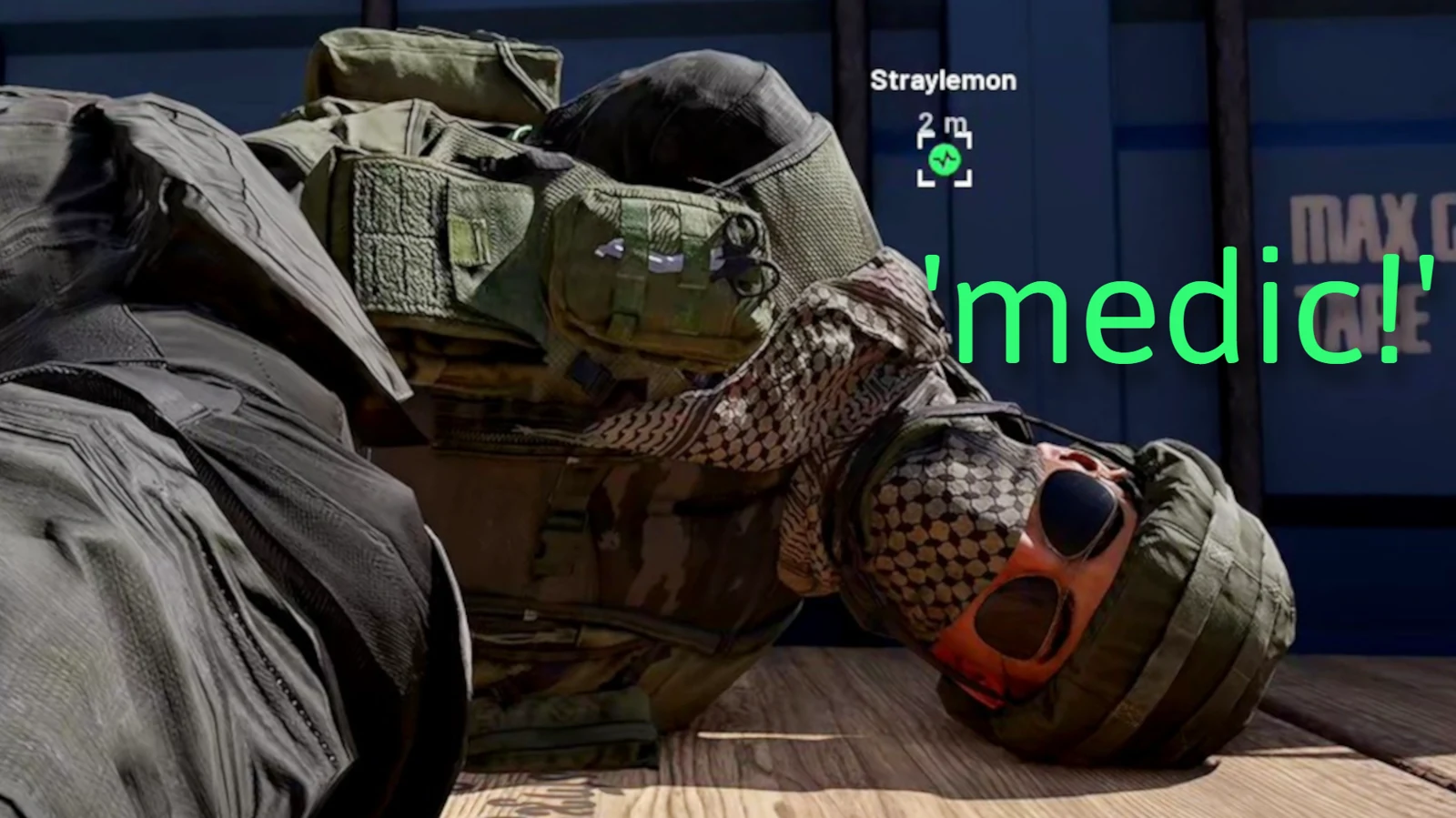
Start helping without a Medic unlock
Every WARDOGS player can drag and revive a downed teammate. You do not need to wait for a Medic level before doing useful medical work. A current post-launch PC Gamer field report records a single-use rapid-revive item at the vendor for each life and a manual revive that takes roughly 20 seconds. Those are observed launch-client details, so read the live prompt before committing in the open.
The first decision is tactical rather than medical: stop the source of damage or create concealment, then help. Starting an interaction in the same firing lane usually creates a second casualty.
Drag before you revive
Dragging lets the casualty keep waiting while you move them behind a wall, vehicle, terrain fold or smoke screen. Approach from the protected side when possible and choose cover that remains useful for the full revive, not only the first second of the interaction.
Use this sequence:
- Identify the threat and the nearest usable cover.
- Tell the downed player that you are moving them.
- Drag them out of the firing lane.
- Check both approaches before starting the revive.
- Finish the revive, make space and let the returning player heal or reload.
Do not drag a casualty farther than needed. A long rescue can pull two players away from the objective and expose both during the move.
Upgrade to defibrillators
The same post-launch report places the defibrillator at Medic level 11. Treat that as a current progression record rather than a permanent promise: Early Access can change the level, price, charge behavior or interaction time.
The defibrillator improves a dedicated Medic plan, but it does not replace positioning. Keep the tool in a reachable slot and check its state before leaving headquarters. If the specialist-tool slot is already occupied, the current inventory allows a role tool to be moved into free backpack space; confirm the prompt and available room in your build.
Build a practical medic kit
A useful Medic kit needs enough storage for treatment tools while keeping a weapon and ready magazine accessible. Build around this order:
- a reliable primary weapon and ready ammunition;
- bandages or the current self-care item;
- the available revive tool;
- smoke or another way to break sightlines;
- backpack space for the specialist tool and recovered supplies;
- a cash reserve for the next deployment.
Extra equipment has a real cost in cash, weight and inventory cells. The equipment guide explains those tradeoffs, while loadouts and budget planning provides a full purchase check.
Earn without chasing exact payouts
Revives and other support actions contribute to the team and can return cash or progression. Current reports also describe a large number of revives during the opening weekend, showing that medical play is part of ordinary matches rather than a rare exception.
Do not build a budget around one published payout number. Rewards can change with patches, role progression or server rules. Use the live reward message to record the current value, and judge a rescue by whether it restores a teammate near the active fight without losing a second kit.
Revive safely and communicate
Short voice calls work best: say that you are coming, ask the casualty to wait and name the threat direction. Proximity communication may also be heard by nearby opponents, so avoid a long conversation while approaching cover.
If the body cannot be reached safely, say so early. If several teammates are down, revive the player in the safest position or the one who can immediately secure the area. Recheck the active Control Zone after the rescue; a successful medical action should return both players to the team’s current task.
Use the beginner guide for the full first-match loop and Money and Cash Economy before buying a specialized kit. Exact timings, level gates and rewards on this page were reviewed on September 23, 2026 and should be checked again after a balance update.
Read every value with its version.
Official changes use first-party announcements. Item fields without a current official table remain labeled as dated gameplay records until they can be checked in the public client.