Identify the failing stage
Record the exact message and stage before changing settings. FirstLook community-account login is separate from the owned Steam game login.
| Stage | Typical symptom | First check |
|---|---|---|
| Steam | Missing game or pending patch | Ownership, Library filters and Downloads |
| Startup | Crash or anti-cheat message | Client files, restart and current official notices |
| Login | Authentication failure or queue | Current announcement and installed build |
| Browser | Empty or incomplete list | Official/Community list, region and ping filters |
| Join | Timeout, kick or mismatch | Server build, latency and full rejection message |
Update and compare the announcement time
Finish Steam downloading and patching before starting the main WARDOGS installation. Close the game completely and relaunch after an update. Compare the current official Steam feed with the installed build and incident time; an old maintenance or release notice is not live service status.
For suspected damaged files, use Steam Library → WARDOGS → Properties → Installed Files → Verify integrity of game files after an active update finishes. Valve's file-verification page is the official reference. Avoid deleting configuration or reinstalling before checking the simpler causes.
Season 02 high-ping kicks and rejoining
| System | Published change |
|---|---|
| Official servers | Region-based maximum ping limits are enforced |
| Community servers | Hosts can configure their own ping limits |
| Sustained excessive ping | Automatic kick; temporary spikes are protected |
| Server-side lag spikes | Excluded from ping measurements |
| Rejoin after a high-ping kick | Blocked on that server until the next map transition |
| Server browser | Maximum-ping tags and filters added |
No universal ping threshold, measurement window or guaranteed reconnect timer is published. Read the server's maximum-ping tag and the exact kick message. The high-ping restriction is tied to that server's next map transition; waiting for the team-switch cooldown is a different rule.
Compare another suitable server when only one fails. When friends can join and you cannot, compare region, build, capacity and measured latency before assuming a global outage.
Obscured map or unavailable Spawn Vehicle
The notes group these entry restrictions under the lead context in the first row:
| Rule | Published condition or limit |
|---|---|
| Lead context for the restrictions below | A team leads by more than 10 points |
| Switching again after joining a team | 15-minute cooldown |
| After switching teams or joining a match in progress | Map obscured until first Control Zone entry |
| Spawn vehicle access | Unavailable until first Control Zone entry |
Check the score context, join/switch history and first Control Zone entry, then follow the current prompt. Ordinary transports have separate access. Read Control Zone and playing with friends to coordinate the first trip.
Browser filters and earlier fixes
Reset restrictive filters and search the same Official or Community list by exact name or persistent ID. A favorite can refer to a full, restarting or differently versioned server. Repeated relaunches do not bypass a login queue.
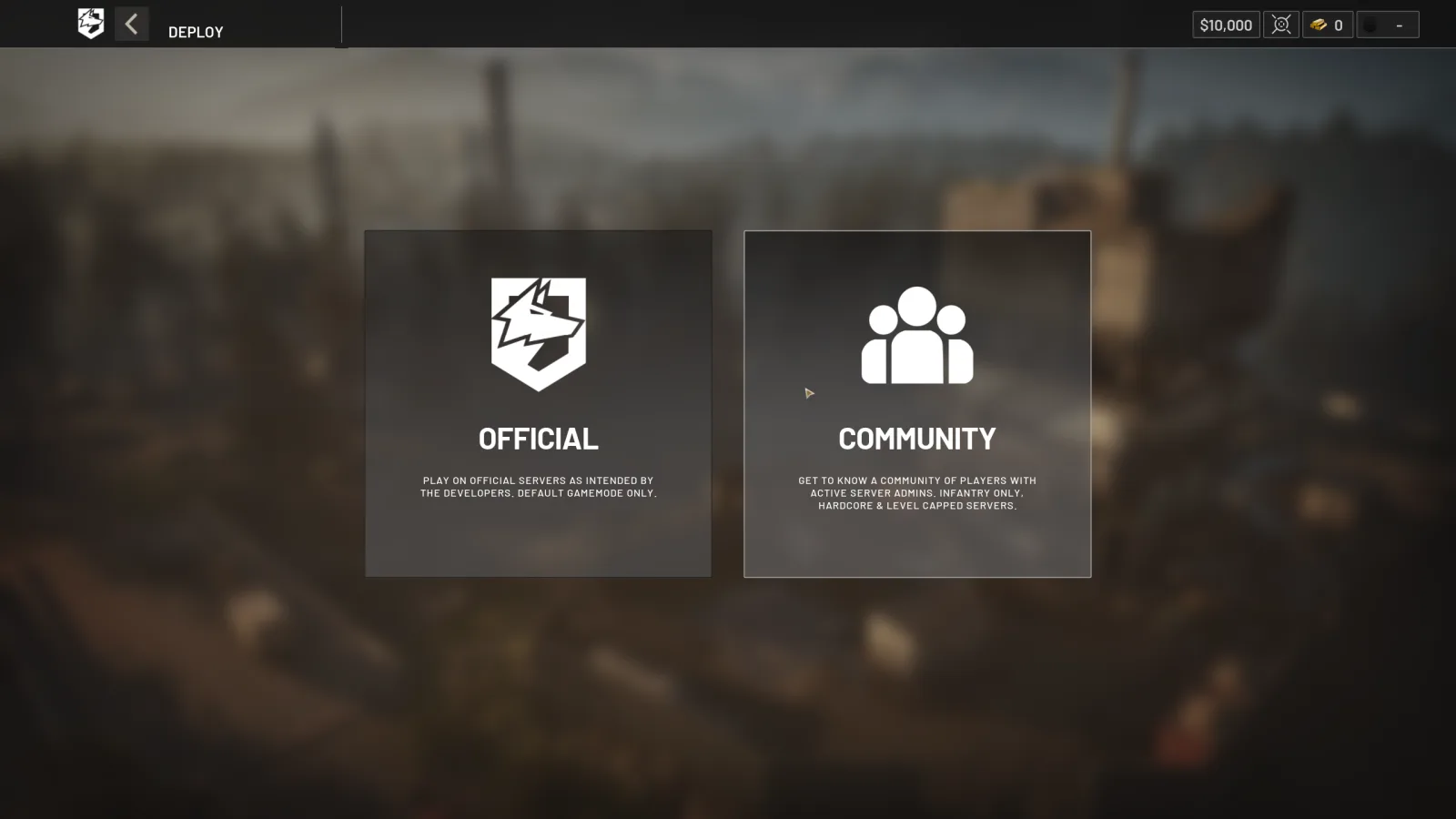
01 Choose the browser typeOfficial and Community servers open from separate choices. Confirm that every squad member selects the same type before comparing results.
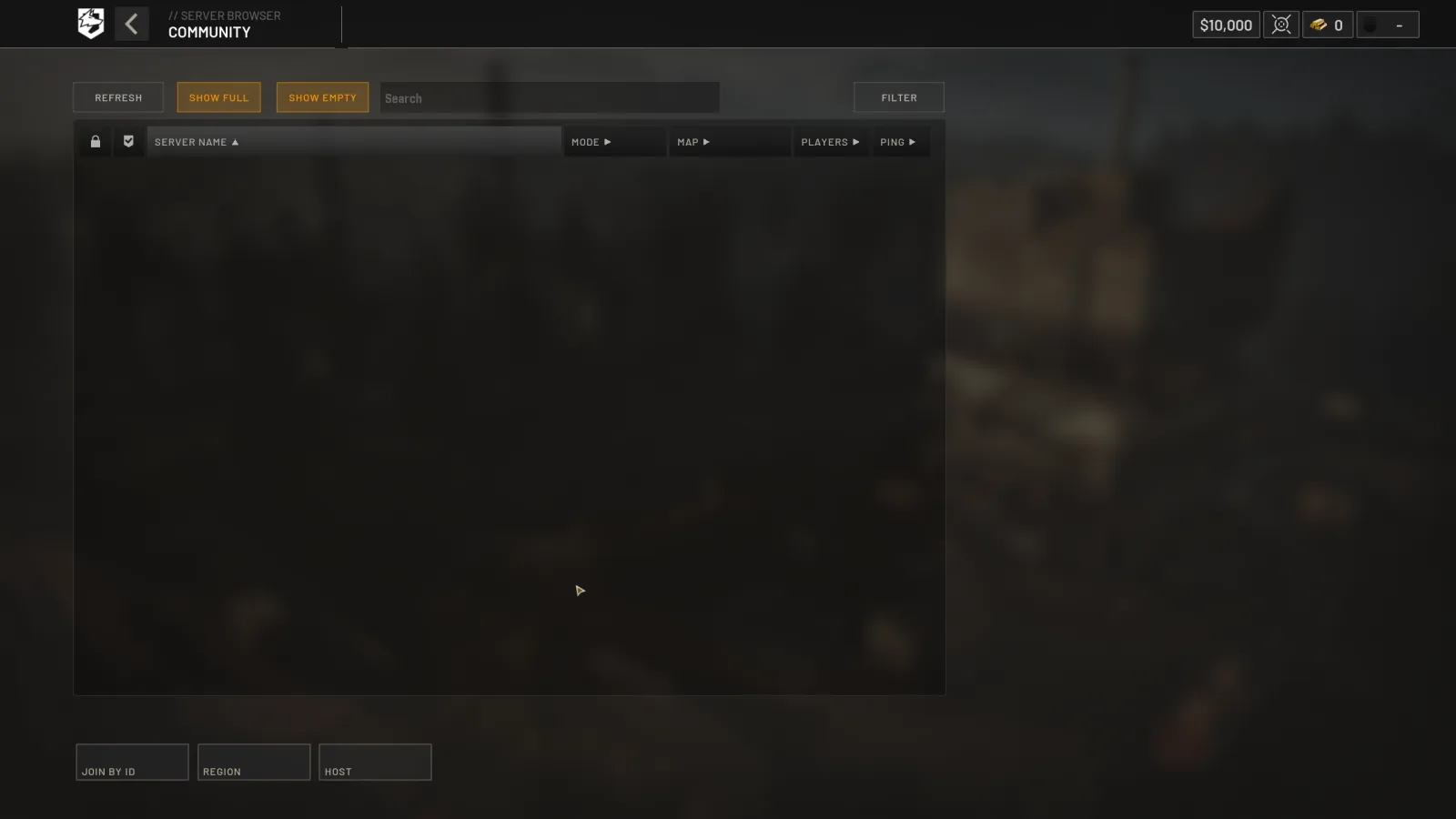
02 Search a Community serverCommunity browsing includes text search, filters, empty and full toggles, region selection and Join by ID. Reset restrictive controls when a known server is missing.
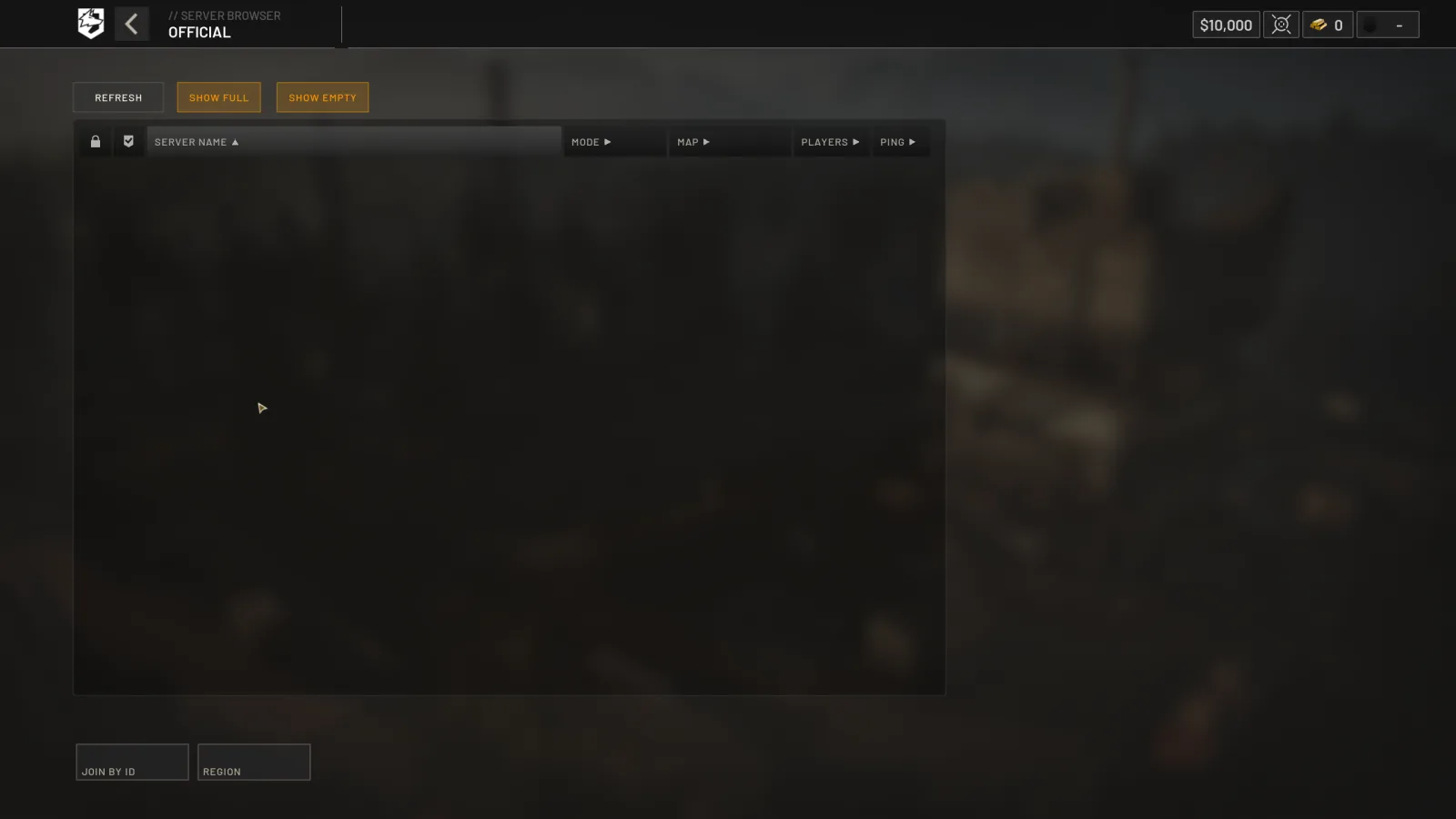
03 Check the Official listOfficial browsing keeps a smaller control set. Compare the region, occupancy toggles, player count and ping before treating an empty result as an outage.
Official Patch 0.11 interface screenshots · September 14, 2026 · source
These Patch 0.11 captures show the earlier browser workflow. Season 02 adds maximum-ping tags and filters. Historical launch and browser fixes retain their original dates:
Launch-day Error 1628505091 reports establish a failed-join symptom, not a single confirmed cause, ban diagnosis or guaranteed fix. Keep the complete message and follow the stage checks above.
Controller, voice and performance checks
Season 02 reports fixes for vehicle spinning after closing the tactical map, inconsistent controller vehicle ADS, turret crouching/seat changes, grenade cooking with X and releasing LT to cancel bandage self-healing. Recheck the action on the current build and preserve custom bindings before changing them. See best settings for the new controller menu and binding table and helicopter operations for the flight test sequence.
For voice, test the microphone in the operating system, then Steam, then the selected WARDOGS device and push-to-talk binding. Valve's microphone reference helps isolate the device. Include the headset model and results. Level 4 helmet audio restrictions and rain/thunder can affect what is heard without establishing an input-device fault.
For stutter or a crash, record hardware, driver, build, resolution, upscaler/frame-generation state and the exact scene. General Season 02 performance and server-stability improvements do not confirm a fix for every current symptom.
Give support reproducible evidence
Include the complete error, local/UTC time and timezone, region, server name, game build, reproduction steps and what was tried in order. Add relevant hardware, controller or headset details and a screenshot excluding account secrets.
Use Steam Support for installation or ownership, and official WARDOGS community routes for game-service issues. The official Season 02 notes are patch evidence; report current failures with their own time and scope.
Read every value with its version.
Official changes use first-party announcements. Item fields without a current official table remain labeled as dated gameplay records until they can be checked in the public client.