
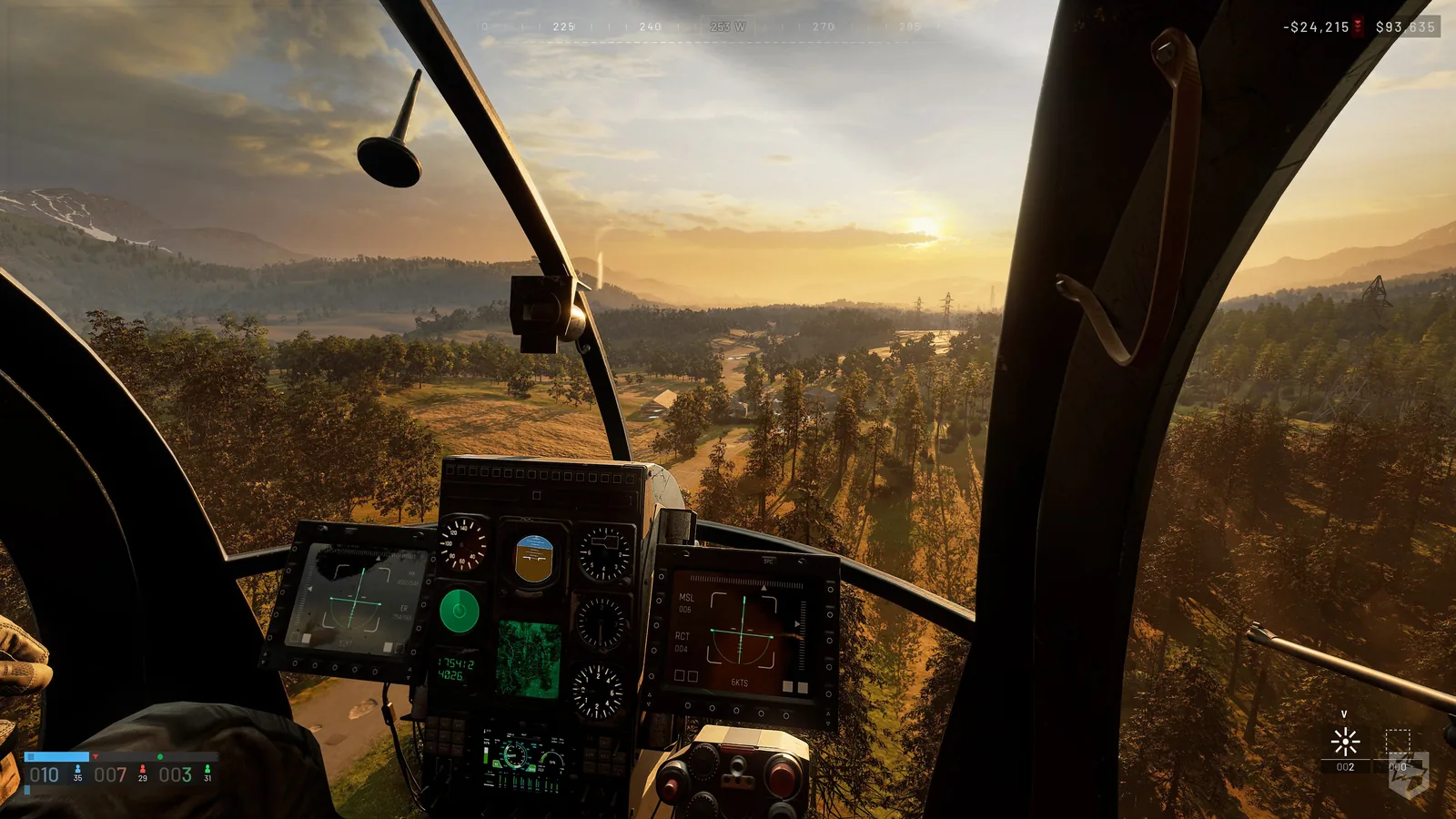
Start in the Firing Range
Learn takeoff, a short circuit and a controlled landing before buying an aircraft for a live transport job. Start with flight assists enabled if the current client offers them, then change one assist at a time. Sensitivity should let you make small corrections without repeatedly overshooting; a published percentage is not a universal optimum.
Understand the four inputs
| Input | What it changes | First exercise |
|---|---|---|
| Collective | Rotor lift; affects climbing and descent | Lift gently, then settle without a hard drop |
| Pitch | Nose angle | Small forward tilt, then return towards level |
| Roll | Sideways bank | Small bank, then recover level attitude |
| Yaw | Heading around the vertical axis | Turn the nose slowly while controlling drift |
Tilting also changes how lift is directed. Leveling the aircraft does not instantly erase forward or sideways momentum. Practise correcting one motion at a time rather than holding several large inputs.
Set up mouse and keyboard
The dated community controls FAQ places Rotary Vehicle Mouse Control under Settings → Controls → Settings. Check that menu separately from Keybindings. The following is an optional custom layout, not a statement of default keys:
| Action | Example binding |
|---|---|
| Collective raise / lower | W / S |
| Yaw left / right | A / D |
| Pitch | Mouse forward / back |
| Roll | Mouse left / right |
Set air-vehicle inversion to your preference and test the actual direction on the ground. After rebinding, verify infantry movement, fire, exit and parachute controls too. Do not enable a flight-stick input mode merely because a tutorial uses it; peripheral compatibility needs checking for your device and build.
Take off and land deliberately
- Before lifting, check the space above and beside the rotors, the destination and your exit route.
- Add lift gradually; establish control before pitching into forward travel.
- For the approach, reduce forward motion early instead of descending at cruising speed.
- Correct sideways drift, level the aircraft and lower it gradually onto a clear area.
- If the approach becomes unstable, go around when there is room; do not force a landing among obstacles.
Repeat the same route until the landing is predictable. The launch-era flight tutorial is useful for the momentum and approach concepts, but its exact sensitivity advice is only a starting preference.
Carry passengers and supplies
Agree on pickup, destination and fallback before taking a paid kit into a match. A transport sortie needs a useful delivery, not just a long flight. Tell passengers when to board or exit and confirm the landing area with the squad. Use terrain to reduce exposure where practical, but no altitude or route guarantees protection from anti-air fire.
The Thrustmaster transport tutorial discusses passenger and supply work; it is a hardware manufacturer's guide, not a developer patch specification. Check the current cargo interaction and aircraft capacity before promising a lift. Do not assume an armed variant carries the same passengers or cargo as a transport.
Diagnose missing or reversed input
| Symptom | Check before another flight |
|---|---|
| Mouse moves the view but not the aircraft | Mouse control, axis assignment and whether free look is active |
| Pitch feels reversed | Air-vehicle inversion and a small on-ground test |
| A key stopped working after rebinding | Both the rotary-vehicle and infantry action lists |
| Controls work but motion stutters | Follow the PC settings workflow before changing every binding |
Older beta reports describe input conflicts, but do not prove the same bug survives today. Record your build, aircraft, device and exact failed action for support. Avoid deleting your configuration as the first step.
Choose an aircraft for the job
Use the MH-6 record for transport planning. Compare the AH-6M, AH-6R and Z20 Lakota only after checking their dated roles, unlocks and purchase costs. The vehicle directory and loadout budget keep the aircraft cost connected to the rest of your kit.
Read every value with its version.
Official changes use first-party announcements. Item fields without a current official table remain labeled as dated gameplay records until they can be checked in the public client.