
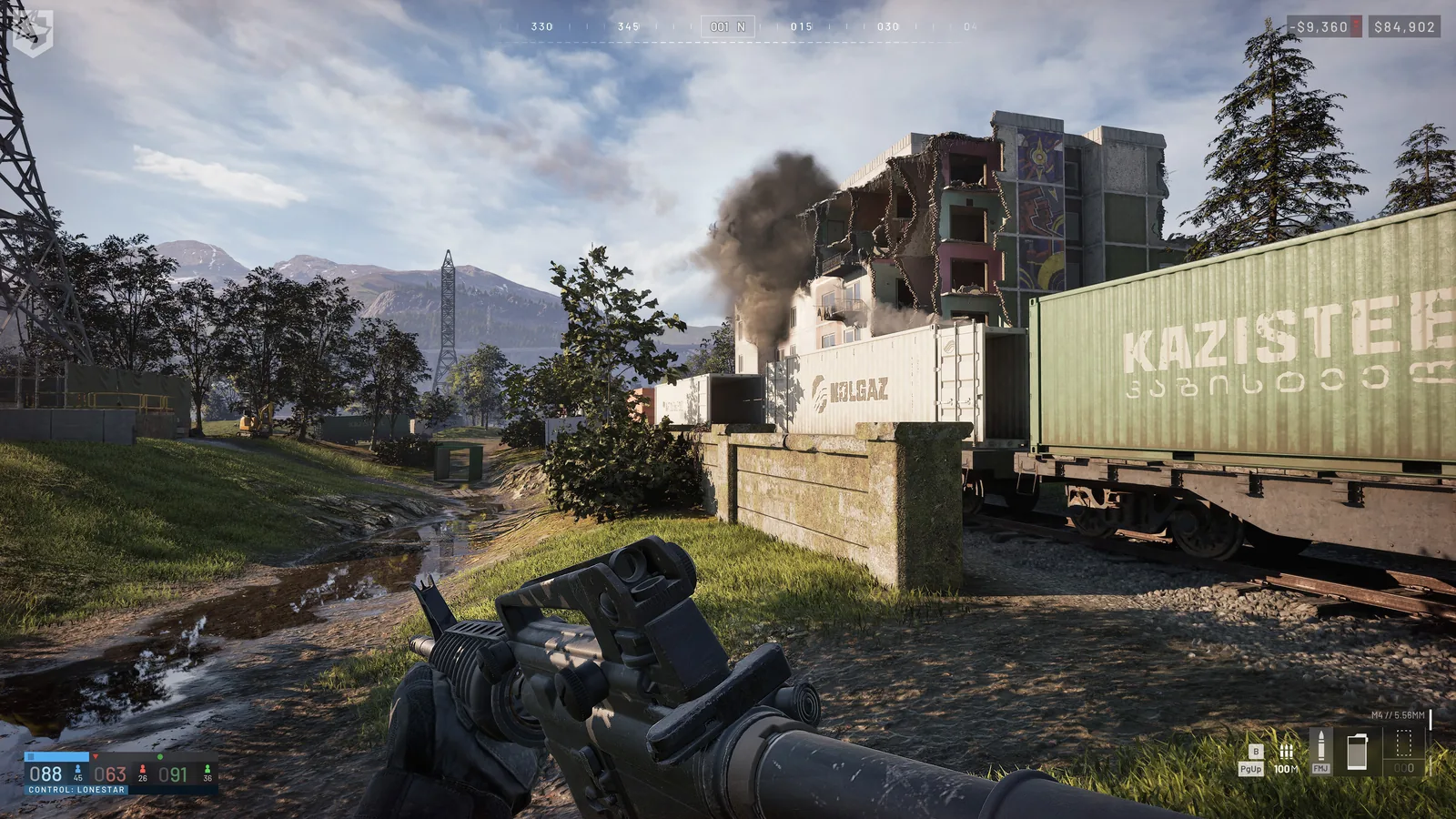
Place a useful deployment core
A Forward Operating Base receives resources for a player-built position. The FOB alone is not automatically a spawn point or a Hot Zone pull. Choose a defensible site with delivery access and an objective the team can still influence.
Purchase record and required cargo
The FOB item, hammer, supplies and transport are separate purchases. Earlier FOB price $7,500, Large Hammer price $2,400 and Large Hammer access Support level 8 and $75,000 are historical Season 1 records. Season 02 does not restate them; verify the vendor before budgeting a package.
Carry a suitable hammer and Build supplies. Add Fuel, Ammo or Mechanical supplies for the planned systems and arrange a truck or helicopter when backpacks cannot carry enough. New structures and current supply costs are in the building guide.
Verify delivery and stock
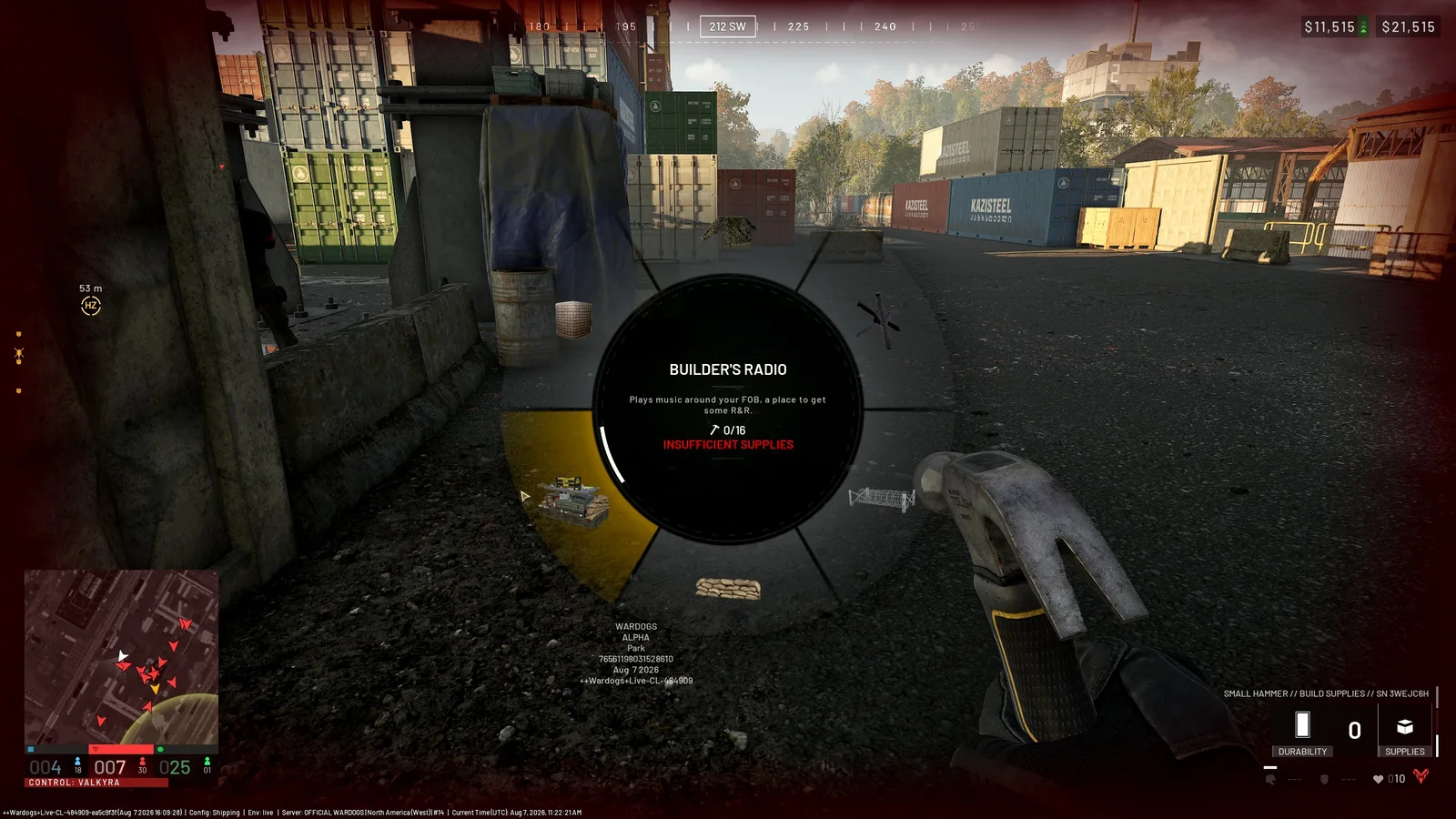
01 Read the missing-resource warningA valid blueprint can still stop when the local stock lacks the required supply. Read the warning, check the FOB stock on the map and request the named resource instead of adding more unrelated cargo.
PC Gamer WARDOGS economy guide screenshot, credited to BULKHEAD · September 9, 2026 · source
Unload or transfer cargo, then confirm the required stock at the FOB. Nearby cargo is not automatically received. The earlier community FOB guide and cargo walkthrough describe pallet unloading and inventory-to-terminal crate transfers; follow the current displayed bindings. Check friendly base stocks on the expanded map before loading a return trip.
Season 02 drill operation
| Item or parameter | Before | Season 02 |
|---|---|---|
| Minimum fuel to activate | 1,500 | 2,000 |
| Duration per fuel | 0.05 | 0.03 |
| Maximum uptime (seconds) | 375 | 300 |
| Maximum fuel | 7,500 | 10,000 |
Build the drill, deliver enough Fuel, verify activation and keep the position staffed. The replacement cooldown increased substantially; its exact length was not published. Review Control Zone before committing to a distant position.
Defend and replenish
Doors and gates now require Halligan breaching rather than hammer strikes. Keep them closed and leave the supply lane usable. Unfinished structures collapse if support is lost. FOB supply-assist rewards are split among assisting players, so a shared delivery does not pay each assistant the full amount.
The official Season 02 notes support the new mechanics; the purchase fields above retain their older evidence. Use economy for reward conditions and vehicles for delivery options.
Read every value with its version.
Official changes use first-party announcements. Item fields without a current official table remain labeled as dated gameplay records until they can be checked in the public client.