

Agree on the same server and faction
Share the server type, exact name or persistent ID, region, current population, faction and first task before joining. Check available capacity together. A saved favorite can point to a restarting server or another build after maintenance, so compare the current browser result.
Compare the Season 02 ping policy
| System | Published change |
|---|---|
| Official servers | Region-based maximum ping limits are enforced |
| Community servers | Hosts can configure their own ping limits |
| Sustained excessive ping | Automatic kick; temporary spikes are protected |
| Server-side lag spikes | Excluded from ping measurements |
| Rejoin after a high-ping kick | Blocked on that server until the next map transition |
| Server browser | Maximum-ping tags and filters added |
The notes do not publish one universal ping threshold or the exact duration that triggers a kick. Compare the maximum-ping tag and current latency for every player. A high-ping rejoin restriction lasts until that server's next map transition; it is separate from the team-switch cooldown below.
Search the same Official or Community list and reset restrictive filters. When a direct friend join is unavailable, search the exact server name or ID together.
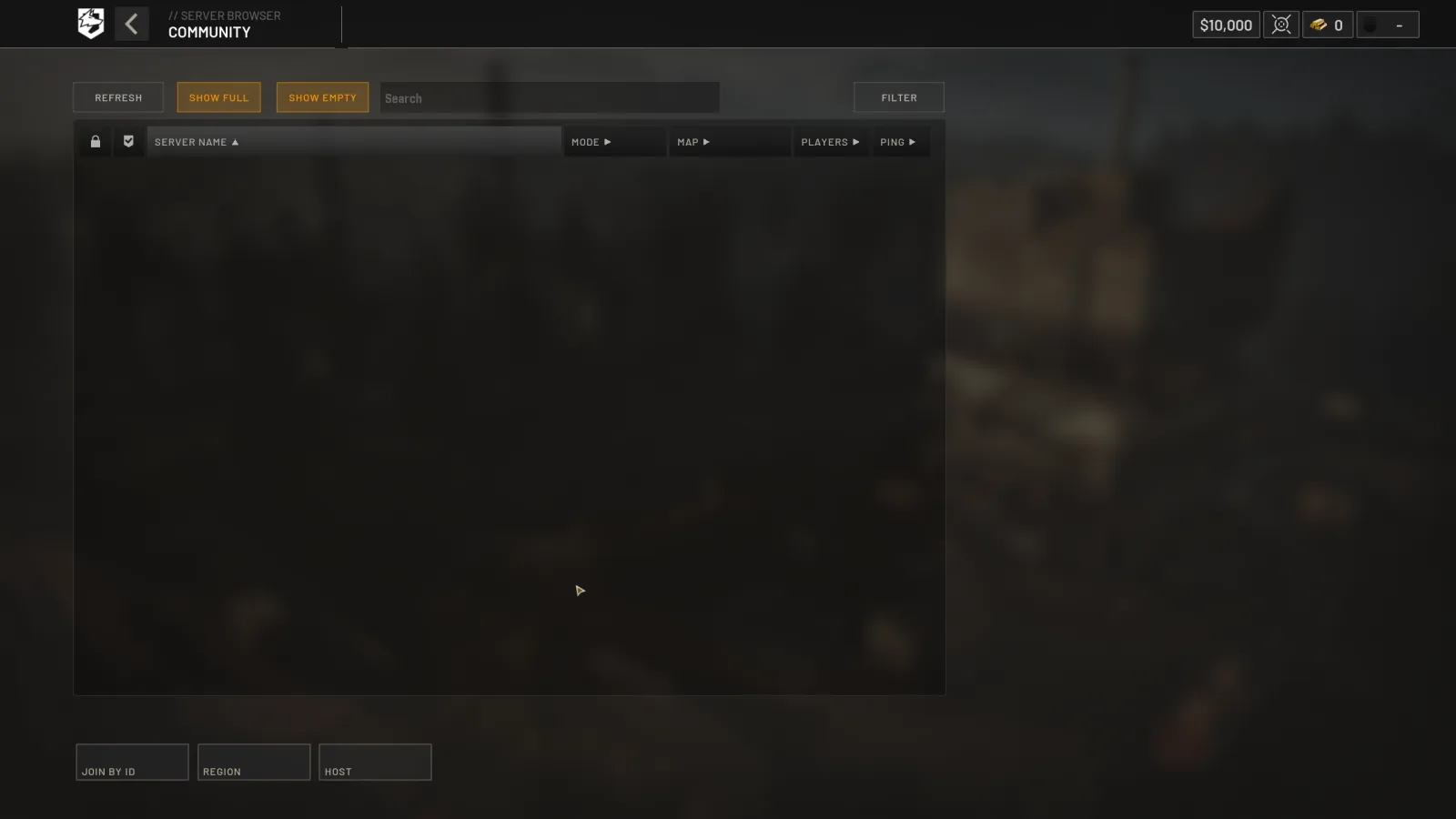
This earlier capture documents the browser workflow; Season 02 adds the ping controls described above. Follow the current client labels.
Choose the team before switching
The official notes group these restrictions under the lead context in the first row:
| Rule | Published condition or limit |
|---|---|
| Lead context for the restrictions below | A team leads by more than 10 points |
| Switching again after joining a team | 15-minute cooldown |
| After switching teams or joining a match in progress | Map obscured until first Control Zone entry |
| Spawn vehicle access | Unavailable until first Control Zone entry |
Agree on the faction before entering. Coordinate ordinary transport and first Control Zone entry when the map or Spawn Vehicle is restricted. The faction guide separates the conditional rules from Lonestar's seasonal rewards.
Make the squad intent visible
| System | Published change |
|---|---|
| Squad intent | Leaders publish a predefined intent visible to the team before squad selection |
| Timed prompts | Squad invitations and other timed prompts queue |
| Assistance request ping lifetime (seconds) | 20 → 60 |
Choose one useful job: carry players to the zone, deliver a named resource to a FOB, reinforce an approach or move with a medic. Agree on driver, pilot, destination and fallback before buying specialist equipment. Queued invitations can appear later; read the active prompt before responding.
Players who help populate empty servers receive rewards and a vendor discount when the match begins. Exact seeding rewards are not published, so plan purchases from the actual wallet and cart. The settings guide lists the changed controller invitation buttons.
Coordinate cargo and voice
Purchased vehicle inventories are private to the driver and squad by default; the owner can open access after fully unlocking the vehicle. Free team-vehicle inventories remain public. Confirm the vehicle owner, squad membership and receiving resource before diagnosing missing cargo as a transfer failure.
Use short voice calls for pickup, landing, threats and supplies. Proximity chat may be heard by nearby enemies. Rain and thunder change the soundscape, and a Level 4 helmet muffles audio and proximity chat. Check equipment and the selected input/output before treating reduced clarity as a microphone fault.
Resolve a failed join and continue
Compare client update, server build, region, filters, capacity, displayed ping and the exact rejection message. Use troubleshooting for high-ping kicks, queues and voice checks. The teamkill victim can Forgive or Punish; leaving the safe zone after respawn without voting forgives automatically. No exact sanction thresholds are published.
The official Season 02 notes support the new rules. Continue to Control Zone, helicopter operations and loadouts after choosing the task. Use the official Discord route to find teammates.
Read every value with its version.
Official changes use first-party announcements. Item fields without a current official table remain labeled as dated gameplay records until they can be checked in the public client.